
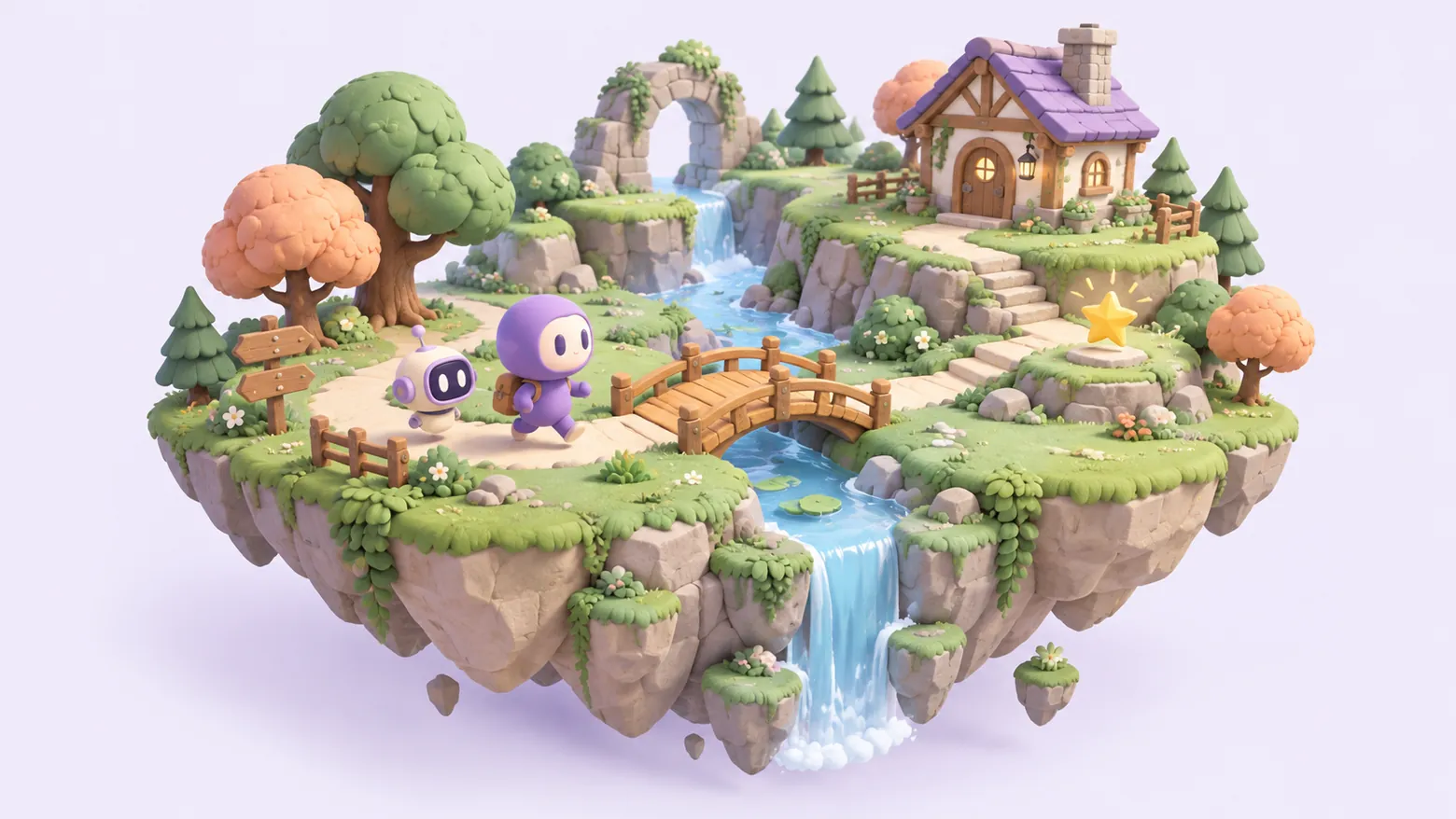
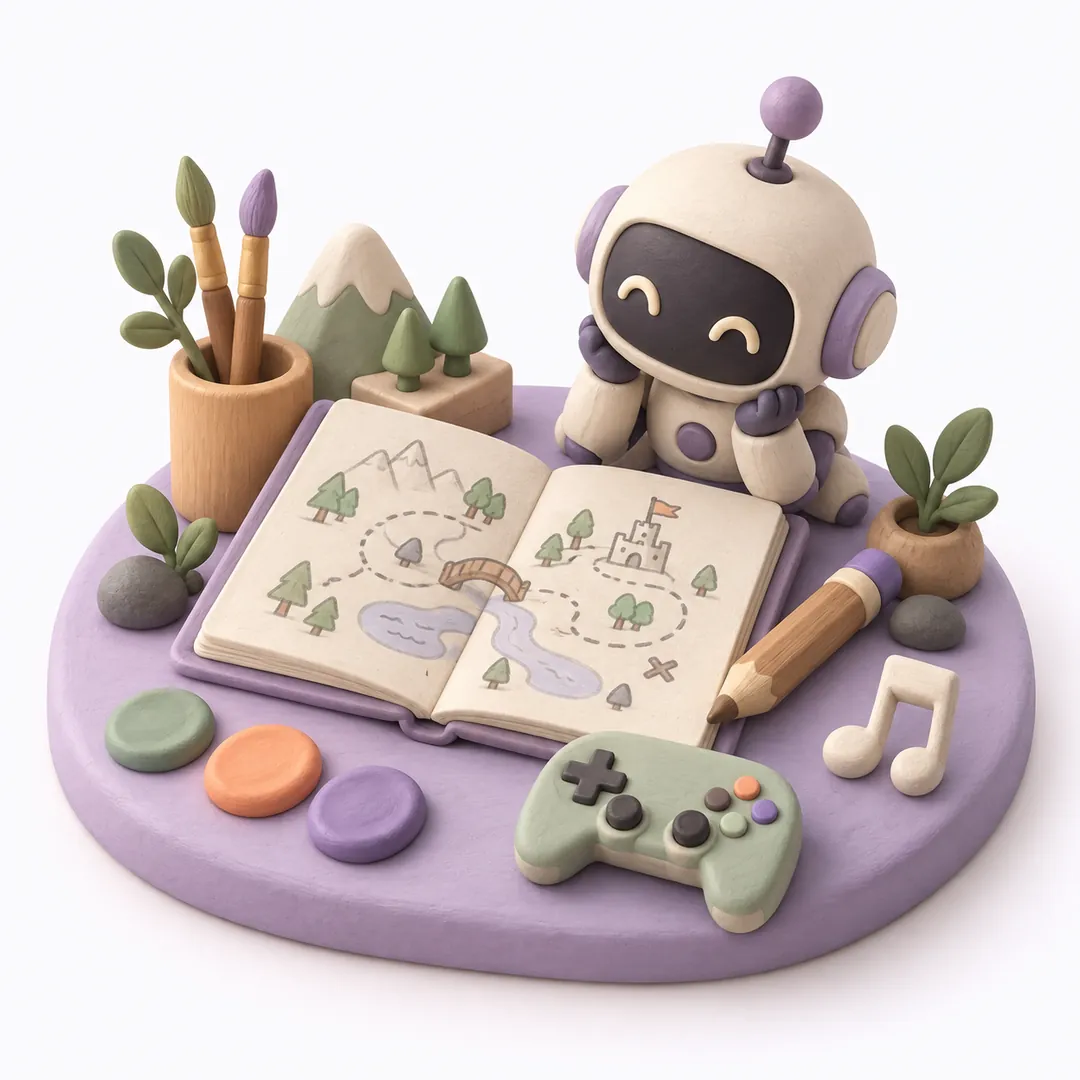
From planning to sound,
made together.
There is no fixed order. Go back to any part at any time and change it.
Planning
Work out the genre, rules and screens through conversation. What you decide is kept as a planning document.
Story
Write the world, characters and dialogue together.
Art
Create character and background images, then pick the ones to use.
Dev
Build scenes and code in your Godot project and run them.
Sound
Create sound effects and music and add them to your game.
Parts hand off their results as files, and you approve what goes in.
As the conversation grows,
so does your game.
Shape your ideas in each part's chat,
and keep building what your game needs, one step at a time.
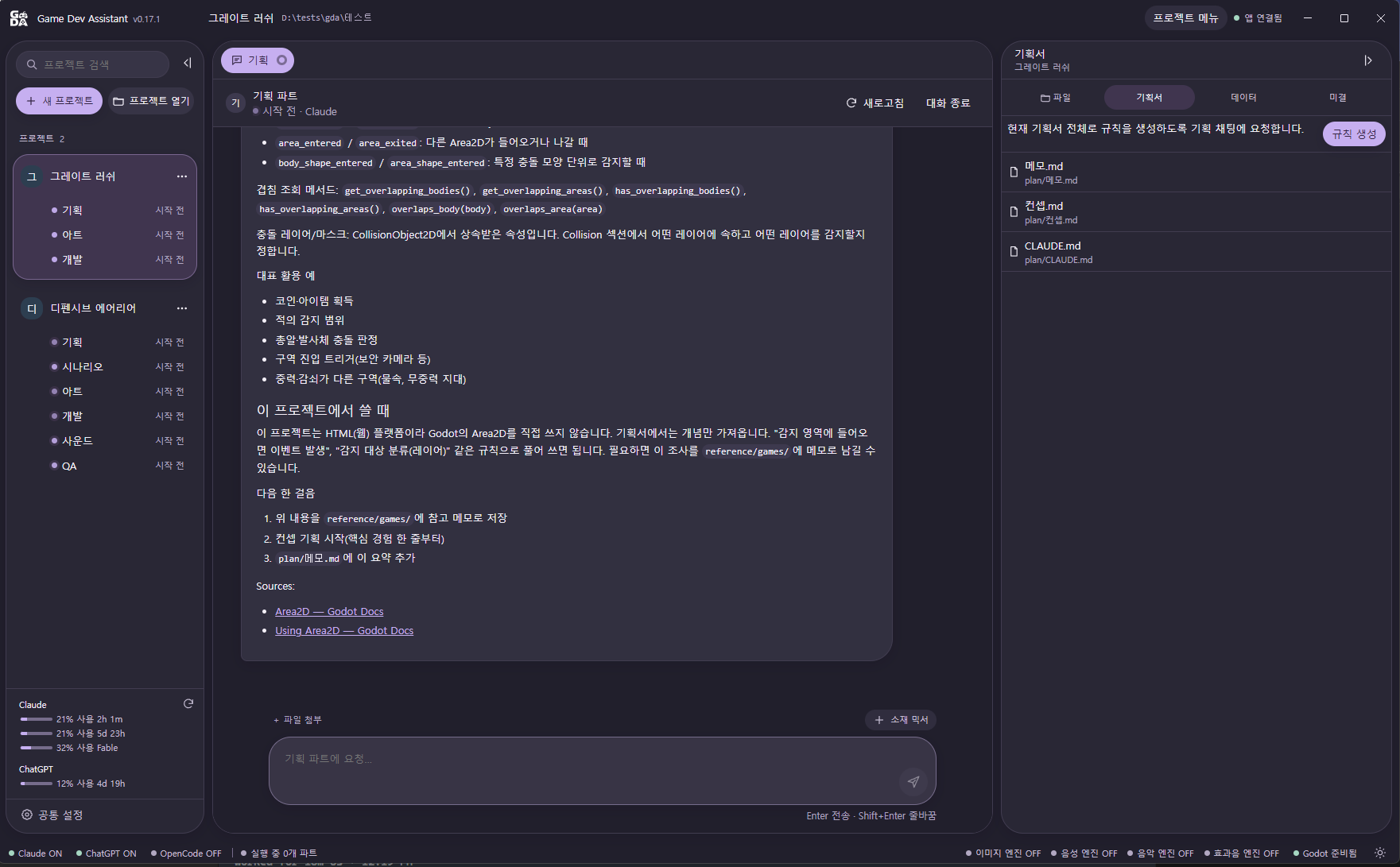
Make your game on your PC,
keep going on the move.
The PC app makes your game together with an AI service. The mobile app connects to your PC so you can keep chatting and approving while you're out.
PC app
Windows · macOSThis is where you make the game. Each part has its own chat, from planning to sound.
Godot game project
Saved in a folder on your PC.
Mobile app
iOS · AndroidSubscribe, then connect to your PC to check chats, approvals and progress.
External AI service
Codex, Claude Code and moreConnect it to the PC app with your own account.
You can't make a game with the mobile app alone. Please install the PC app first.
Your first 14 days,
make all you like.
Start right away with no payment method. When the trial ends, choose the plan that fits the number of PCs you use.
Free trial
It starts as soon as you sign up.
No payment method is registered.
You can connect 1 PC during the trial.
1 PC
₩4,400/ month
Use it on 1 connected PC.
2 PCs
₩6,600/ month
Use it on up to 2 connected PCs.
- Pay in the mobile app with an App Store or Google Play subscription.
- Sign in to the mobile app with the same account as your PC.
- Fees for external AI services are not included.
PC app for Windows · macOS
Mobile app
App StoreGoogle PlayComing soon
Before you start
To use GDA, you need your own account with an external AI service (such as Codex or Claude Code).
Only the Godot engine is supported for development at the moment; more engines are planned.